Me and Dungeons Adventure Game
Reviews
Description
Game Introduction
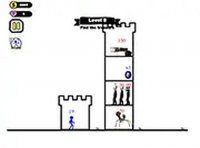
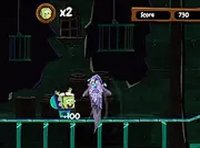
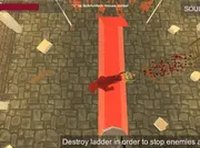
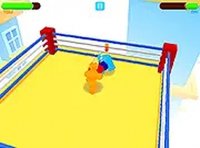
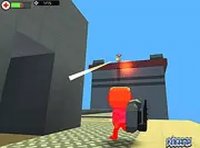
Me and Dungeons Online Adventure Game is a free browser-based game that combines action and creativity. Players explore dungeons filled with monsters, gather valuable loot, and purchase powerful items from the shop. The game stands out with its simple dungeon editor, allowing anyone to design custom levels, place obstacles and enemies, and share their creations with friends. Designed for desktop play, it offers smooth controls using keyboard and mouse. The family-friendly environment makes it suitable for players of all ages. Whether you enjoy combat or building, this game provides endless possibilities in a safe, non-violent setting.
How to Play
To play Me and Dungeons, use your keyboard and mouse to move your character through dungeons. Your goal is to defeat monsters, collect their drops, and earn gold. Visit the shop to buy better gear, which helps you tackle tougher enemies. The dungeon editor lets you design custom levels by placing obstacles, enemies, and treasures. Start by exploring pre-made dungeons, then use the editor to create your own adventures. The game runs directly in your browser and supports full screen mode for a more immersive experience.
Game Features
Game features include a simple dungeon editor that lets you build and share custom levels. Monster battles offer engaging combat without graphic violence. Loot collection and gear upgrades provide progression. Free browser play requires no download. Full screen mode enhances immersion. The game is designed for desktop with responsive keyboard and mouse controls.
Tips for Success
To succeed in Me and Dungeons, focus on upgrading your gear regularly from the shop to handle stronger enemies. Explore every corner of each dungeon to maximize loot collection. Use the dungeon editor to practice building and learn level design, which can improve your strategic thinking. Experiment with different obstacle and enemy placements to create challenging but fair levels. Share your creations with friends for feedback and inspiration. Finally, take breaks to avoid fatigue, as steady play leads to better results.